Excavator controls may look complicated at first, especially when you switch to a different machine. This guide explains the main joysticks, travel controls, ISO and SAE patterns, and auxiliary controls, so you can understand how they work and what to check when choosing an excavator.
What Are Excavator Controls?
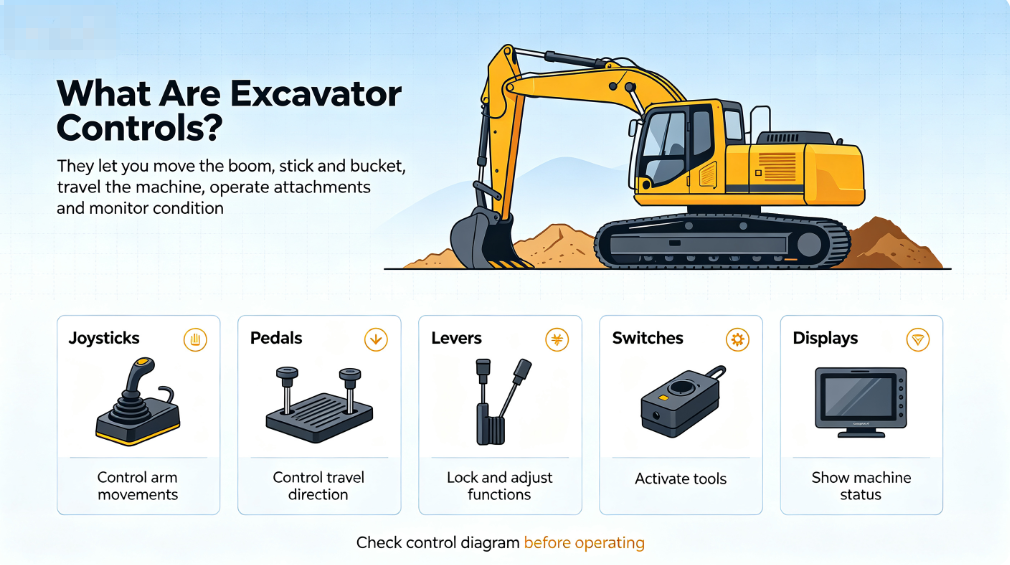
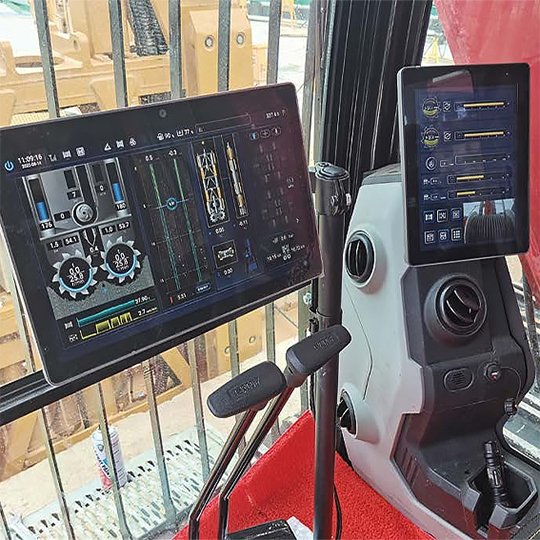
Excavator controls are the joysticks, pedals, levers, switches, and displays you use to control the machine. They allow you to move the boom, stick, and bucket, travel the machine, operate attachments, and monitor its working condition. The exact layout can vary by machine and control pattern, so you should always check the control diagram before operating.
How Do Excavator Controls Work?
Excavator controls work by turning your joystick or pedal movements into hydraulic or electronic commands that move different parts of the machine. Although the control layout can vary between excavators, the basic process is similar.
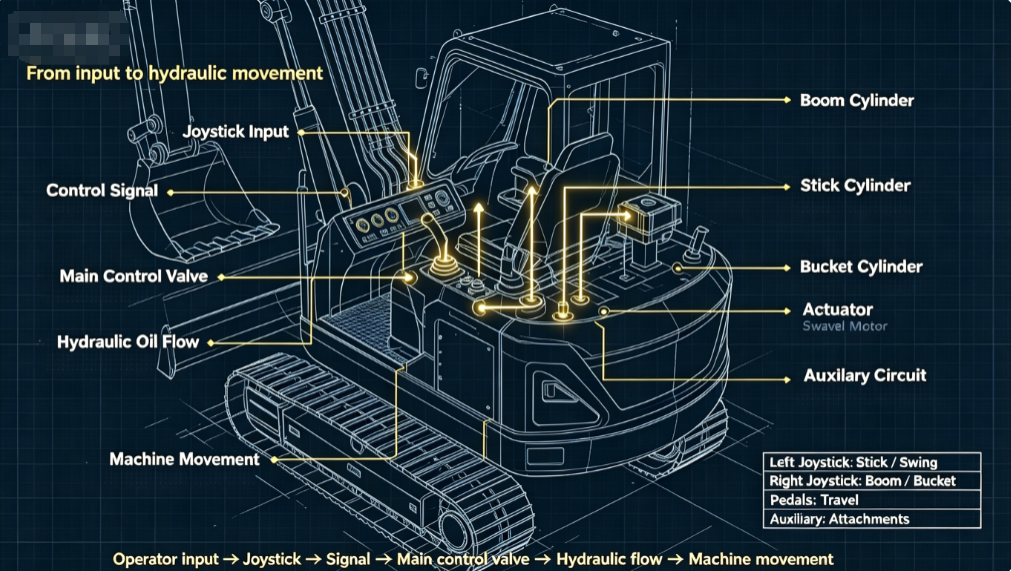
Operator input → Joystick or control → Pilot or electronic signal → Main control valve → Hydraulic flow → Hydraulic cylinder or motor → Machine movement
When you move a joystick, the control system sends a signal to the hydraulic system. On machines with pilot controls, hydraulic pilot pressure helps operate the main control valve. On electronically controlled machines, sensors and electronic signals can be used to manage the valve response.
The main control valve then directs hydraulic oil to the appropriate actuator:
- Boom: Hydraulic cylinder raises and lowers the boom.
- Stick: Hydraulic cylinder moves the stick in and out.
- Bucket: Hydraulic cylinder curls or dumps the bucket.
- Swing: Hydraulic motor rotates the upper structure.
- Travel: Hydraulic travel motors drive the tracks.
- Attachments: Auxiliary hydraulic circuits supply oil to compatible attachments such as breakers, augers, or grapples.
The amount and direction of joystick movement affect how the machine responds. Small, smooth inputs give you more precise movements, while larger inputs generally produce faster hydraulic movement.
This is why the same basic excavator controls can handle digging, lifting, swinging, and traveling with precise coordination. However, hydraulic systems and control technologies can differ by model, so you should always check the operator’s manual for the specific excavator you are using.
Main Excavator Controls
| Control | Main function |
| Left joystick | Controls the stick and swing |
| Right joystick | Controls the boom and bucket |
| Travel levers / pedals | Move and steer the excavator |
| Blade control | Raises and lowers the dozer blade |
| Auxiliary controls | Operate hydraulic attachments |
| Throttle / engine controls | Adjust engine speed |
| Safety lock lever | Locks the operating controls |
| Monitor / control panel | Shows machine status and warnings |
The two joysticks are the main controls you will use for digging and swinging. Travel pedals or levers control each track independently, while the blade control is useful for backfilling and leveling. If you use a hydraulic breaker, auger, grapple, or another attachment, the auxiliary controls provide the hydraulic power it needs.
Joystick functions depend on the selected control pattern, such as ISO or SAE.
What Does Each Excavator Joystick Control?
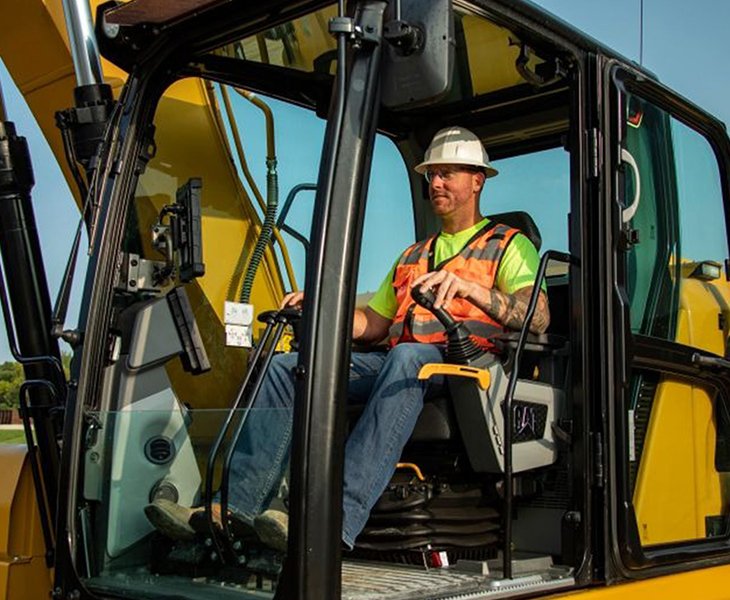
The two joysticks are the controls you use most often when digging with an excavator. Each joystick controls two main functions, and the machine responds according to the direction in which you move the joystick. If you are new to excavators or switching to a different machine, understanding this basic relationship can make the controls much easier to follow.
The examples below use the common ISO excavator control pattern. The control functions may be different if the machine is set to an SAE pattern, so check the control diagram before you start operating an unfamiliar excavator.
Left Joystick
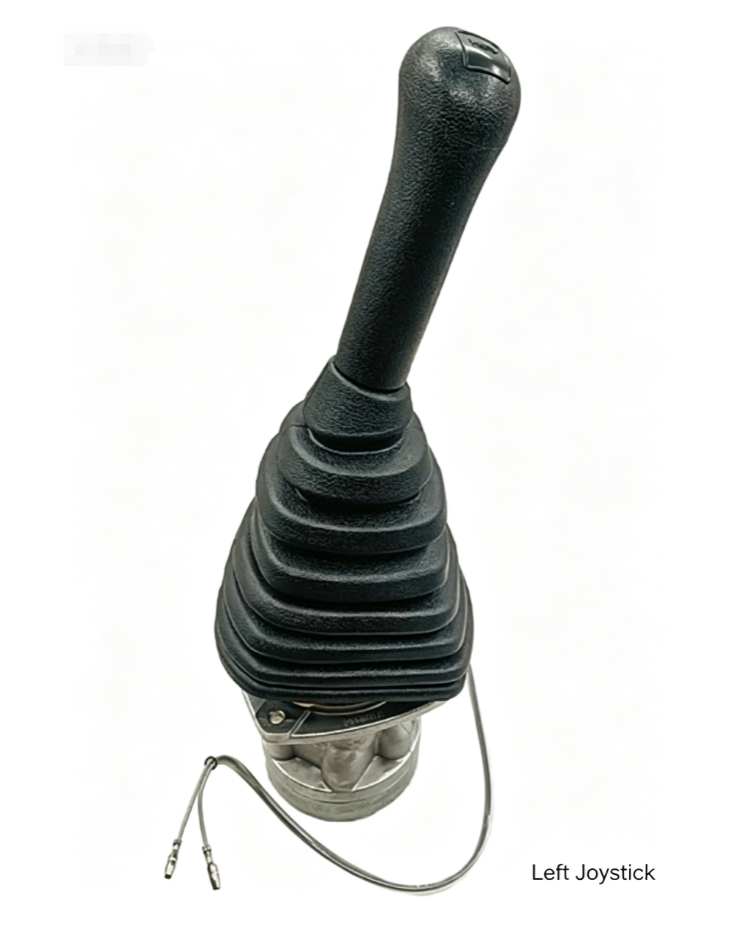
In the ISO pattern, the left joystick controls the stick and swing.
- Forward: Moves the stick outward.
- Backward: Pulls the stick inward toward the cab.
- Left: Swings the upper structure to the left.
- Right: Swings the upper structure to the right.
The stick controls the reach of the excavator. When you move it outward, you can reach farther from the machine; when you pull it inward, the bucket comes closer to the cab. The swing function allows you to rotate the upper structure so you can position the bucket over the digging or loading area.
Right Joystick
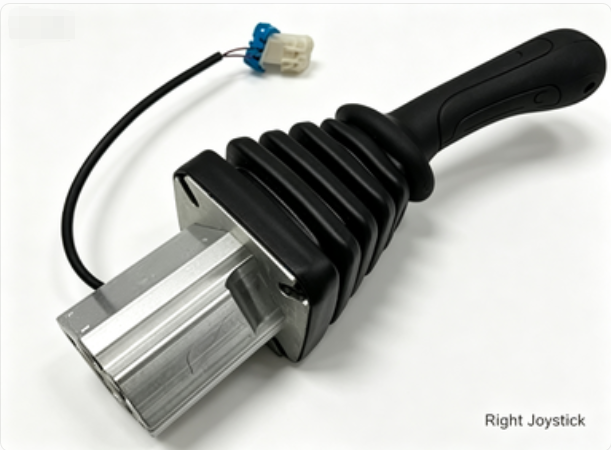
The right joystick controls the boom and bucket in the ISO pattern.
- Forward: Lowers the boom.
- Backward: Raises the boom.
- Left: Curls the bucket inward.
- Right: Dumps the bucket outward.
The boom changes the height and position of the working equipment, while the bucket is used to dig, hold, and release material. When you move the joystick smoothly, you have better control over these movements and can position the bucket more accurately.
Combined Joystick Movements
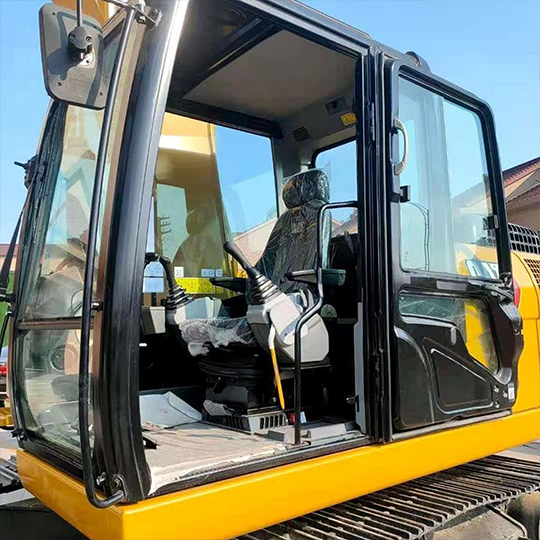
You normally use both joysticks together rather than moving only one control at a time. For example, you can lower the boom while moving the stick outward, then curl the bucket to fill it with soil. After digging, you can raise the boom, bring the stick inward, and swing the upper structure toward the dumping area.
These combined movements allow you to complete a digging cycle more smoothly and efficiently. With experience, you will naturally coordinate several functions at the same time instead of thinking about each joystick movement separately.
Keep in mind that actual joystick functions depend on the selected control pattern. ISO and SAE patterns assign some of the boom and stick functions differently. If you are buying or operating an excavator for the first time, confirm the control pattern and make sure it matches what you and your operators are familiar with.
ISO vs SAE Excavator Controls
ISO and SAE are two common control patterns used on excavators. They determine which joystick controls the boom, stick, bucket, and swing functions. This means that the same joystick movement can produce a different machine movement depending on the control pattern.
What Is ISO Excavator Control?
With the ISO control pattern, the left joystick controls the stick and swing, while the right joystick controls the boom and bucket.
- Left joystick: Stick + swing
- Right joystick: Boom + bucket
For operators who are used to ISO controls, this arrangement becomes familiar with regular use. However, the control pattern should always be checked before operating a different excavator.
What Is SAE Excavator Control?
The SAE control pattern changes the joystick assignment for the boom and stick.
- Left joystick: Boom + swing
- Right joystick: Stick + bucket
In other words, the boom and stick functions are switched between the two joysticks compared with the ISO pattern. The swing function remains on the left joystick.
ISO vs SAE: What’s the Difference?
The main difference is the joystick used to control the boom and stick.
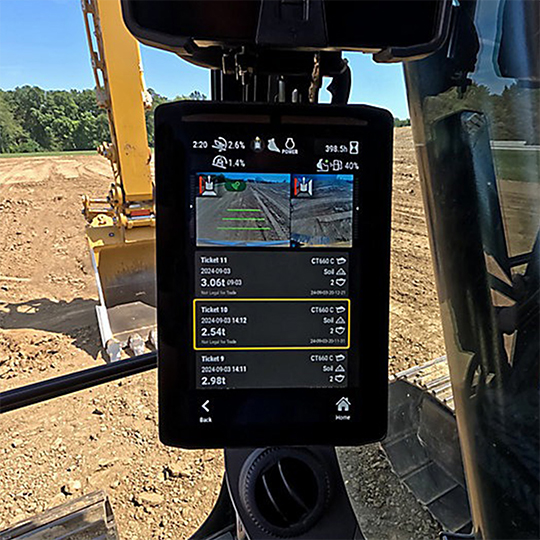
| Function | ISO | SAE |
| Left joystick | Stick + swing | Boom + swing |
| Right joystick | Boom + bucket | Stick + bucket |
Neither control pattern is universally better. The preferred pattern depends mainly on operator familiarity, regional practice, and machine configuration. If several operators will use the same excavator, their experience with ISO or SAE controls is worth considering before purchase.
Can the Control Pattern Be Changed?
Some excavators are equipped with a pattern changer, which allows the operator to switch between control patterns. Depending on the machine, the system may use a mechanical selector or an electronic control.
Before changing the control pattern, check the machine manufacturer’s instructions and make sure the selected pattern is clearly identified. When purchasing an excavator, confirming this configuration in advance can help ensure that the machine suits the operators who will use it.
Travel, Blade, and Auxiliary Controls
In addition to the two main joysticks, excavators have several other controls for moving the machine, operating the blade, and using attachments. The exact layout varies by machine, but travel controls, blade controls, and auxiliary hydraulics are common on many excavators.
Travel Controls
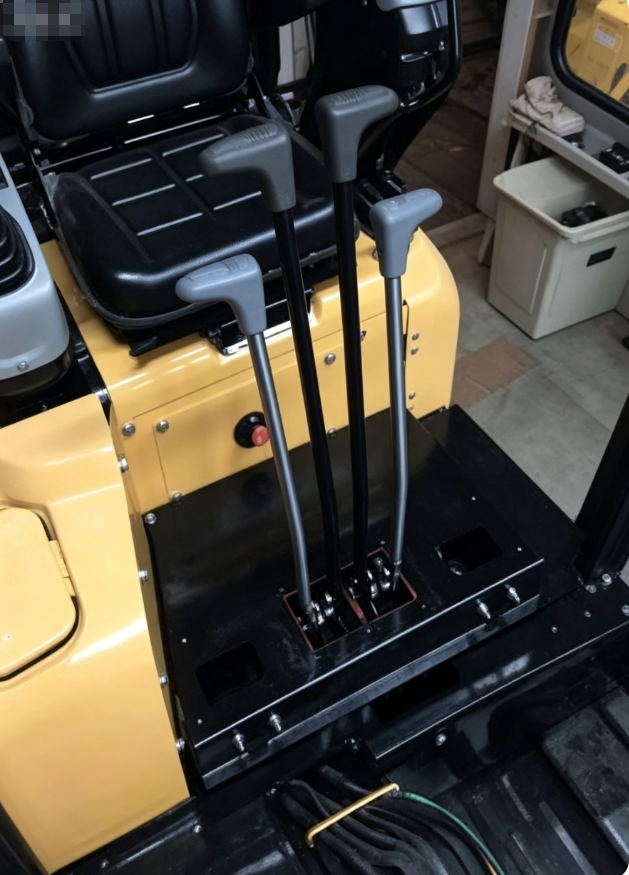
Travel controls are usually operated with travel levers or pedals. Each track has its own control, allowing the excavator to move forward, reverse, or turn.
Pushing both travel controls forward moves the excavator forward, while pulling them back moves it in reverse. Using one control or moving the two controls in different directions allows the machine to turn left or right. For a tight turn, one track can move while the other remains stationary or moves in the opposite direction. This is often called pivot turning.
The travel controls are separate from the joysticks, so moving the machine does not change the boom, stick, or bucket functions.
Blade Control
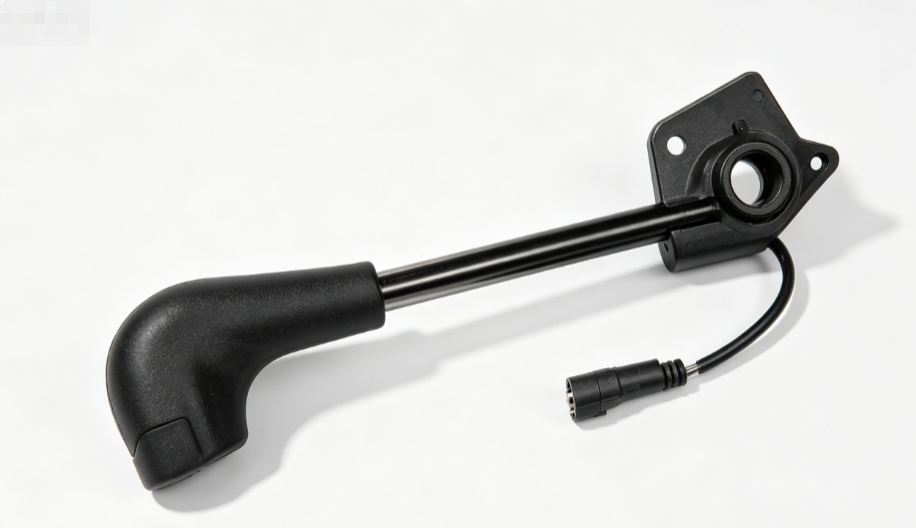
On excavators equipped with a dozer blade, the blade control is used to raise and lower the blade. The blade can help with backfilling, leveling, and basic site cleanup.
A blade is particularly useful on mini excavators, where the machine may be used for landscaping, utility work, trenching, and other small construction jobs. When choosing a mini excavator, consider whether a blade is included and whether its size and operating range suit the intended work.
Auxiliary Hydraulic Controls
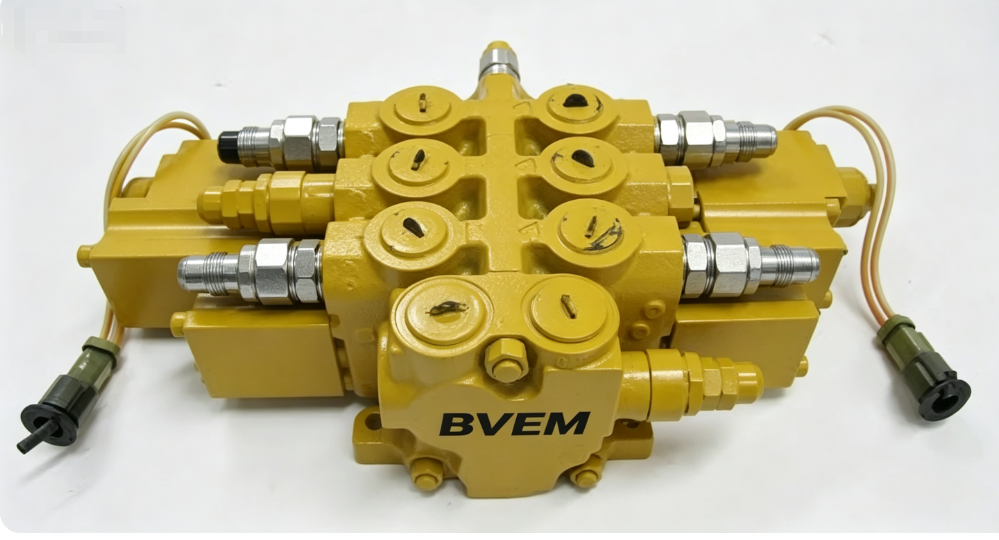
Auxiliary hydraulics provide hydraulic power for attachments other than the standard bucket. Depending on the excavator configuration, you may use auxiliary controls to operate a hydraulic breaker, auger, grapple, hydraulic thumb, tilt bucket, or compactor.
If an excavator will be used with hydraulic attachments, the auxiliary system deserves particular attention. Check the available hydraulic flow and pressure and compare them with the requirements of the attachments you plan to use. One-way or two-way flow and proportional control may also matter for certain attachments.
Before purchasing, make sure the excavator’s auxiliary hydraulic specifications match your attachment requirements. This can help avoid compatibility problems after delivery.
Do All Excavators Use the Same Controls?
The basic excavator controls are similar, but you may find some differences when you move from one machine to another. The control pattern, machine type, manufacturer, and optional equipment can all affect the layout.
Mini Excavator Controls
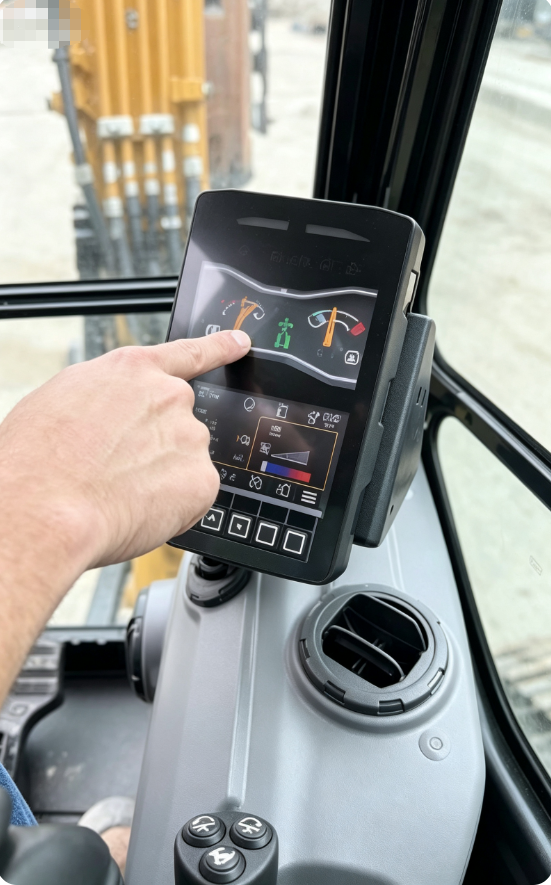
A mini excavator normally uses two joysticks for the boom, stick, bucket, and swing functions. You will also find travel levers or pedals for the tracks, along with a blade control on many models. Auxiliary hydraulic controls may be added when the machine is used with attachments such as breakers, augers, grapples, or hydraulic thumbs.
Crawler and Wheeled Excavators
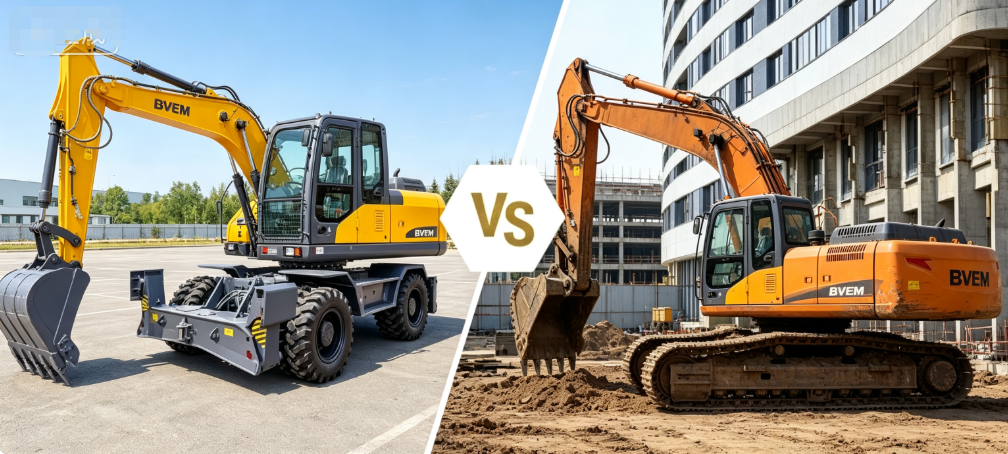
Crawler excavators use separate controls for the left and right tracks, so you can travel and turn the machine independently. Wheeled excavators have additional functions because they are also designed for road travel and work on different sites. Depending on the model, you may have steering controls, road travel functions, outriggers, or stabilizer controls.
The main working functions may feel familiar, but the layout is not always identical. If you are getting into an unfamiliar excavator, check the control pattern and the machine’s control diagram before you start. A quick check can prevent an unexpected movement, especially when you are used to a different machine.
What to Consider When Choosing Excavator Controls?
If you are choosing an excavator, the control system is one of the details worth checking before you place an order. A machine may have the right digging capacity and attachment options, but the controls still need to suit the people who will operate it.
Here are some points you should check:
Control pattern
Find out whether the machine uses ISO or SAE controls. If your operators are already familiar with one pattern, check whether the excavator can be changed to the other.
Operator familiarity and comfort
Think about who will use the machine. Joystick position, seat adjustment, armrests, and control response can affect comfort during long working hours.
Auxiliary hydraulics
If you plan to use a breaker, auger, grapple, hydraulic thumb, or another attachment, check the required hydraulic flow and pressure. You should also confirm whether the attachment needs one-way or two-way hydraulic flow.
Attachment compatibility
Make sure the attachment matches the excavator’s hydraulic system and configuration. This is especially important when you purchase the machine and attachments separately.
Machine configuration
For a wheeled excavator, you may also need to consider steering, road travel, outriggers, and stabilizer controls.
Before you order, tell your supplier what attachments you plan to use and what type of work the excavator will handle. This helps you confirm the right control configuration and hydraulic specifications before delivery.
Common Questions About Excavator Controls
Are excavator and backhoe controls the same?
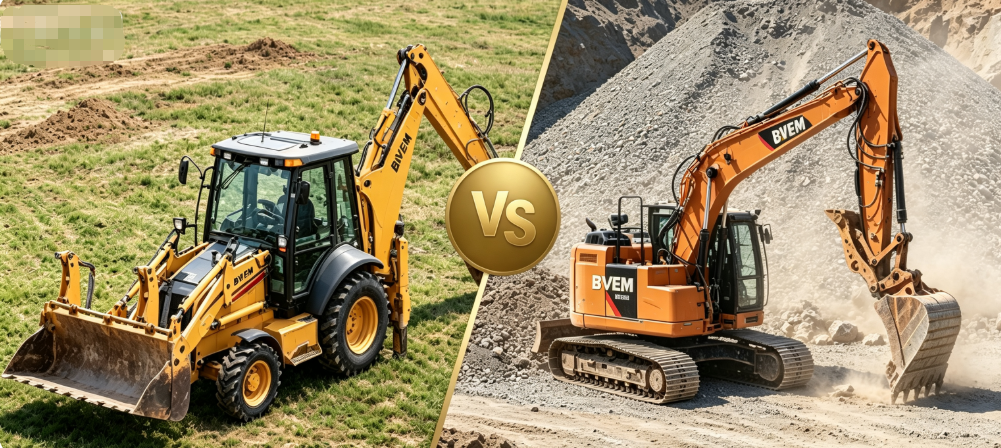
Not quite. You may find similar control patterns on both machines, but a backhoe has a different layout and combines a loader with a digging arm. The travel and front-loader functions are also different. If you move from a backhoe to an excavator, take some time to check the controls before you start working.
How long does it take to get used to excavator controls?
It depends on your previous experience. Someone who has operated similar equipment may get comfortable with the controls fairly quickly, while a first-time operator will need more practice. You can start with simple movements, such as moving the boom or stick separately, and gradually combine them as you become more familiar with the machine.
Can you practice excavator controls before working on a jobsite?
Yes. If you are new to excavators, you can first learn the basic joystick movements with a simulator or under the supervision of an experienced operator. Practicing in a controlled area also gives you time to understand how the machine responds without the pressure of a normal construction job.
Why might an excavator respond slowly to the controls?
Slow response does not always mean there is a problem with the joystick itself. Engine speed, hydraulic system condition, machine load, or other settings can affect how quickly the excavator responds. If your machine suddenly becomes slower than usual or its hydraulic performance changes, check the warning indicators and operator’s manual before continuing to work.
What should you do if an excavator does not respond normally?
Stop the operation and check the machine before trying to continue. Look for warning lights or messages and make sure the controls are set correctly. A weak swing, slow travel function, or unresponsive attachment can have different causes. If the problem remains, have the machine checked by a qualified technician instead of making unplanned hydraulic adjustments.
Do newer excavators have features that help the operator?
Many newer machines offer electronic functions that can make certain tasks easier. Depending on the excavator, you may find features such as automatic idle, attachment management, machine-control systems, or swing assistance. These functions vary by model, so you should check the machine specifications and operating instructions to see what is included.
Why do excavators have a safety lock lever?
The safety lock lever is used to prevent the operating controls from accidentally activating when the machine is not ready to work. You should know how the lock works before operating the excavator and use it when the controls need to be disabled. The exact design can vary between machines, so check your operator’s manual for the correct procedure.
Why Choose BVEM for Your Excavator?
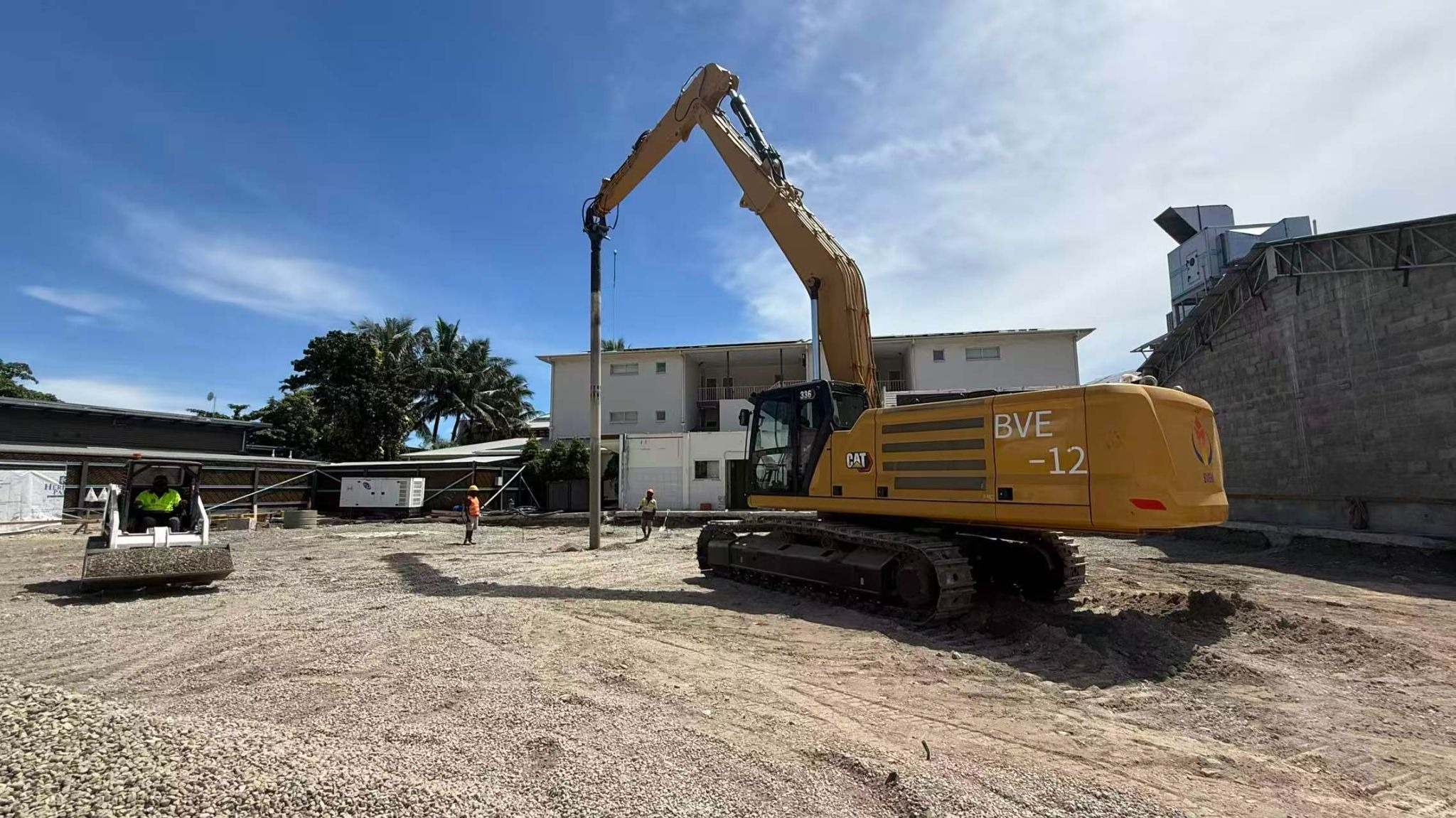
With nearly 50 years of experience and direct factory sourcing, BVEM helps you get reliable excavators at competitive prices. You can also count on warranty, after-sales support, and spare parts supply. Choose BVEM for better value and a more cost-effective excavator solution for your project.